Visual novelYour choices change the story.
The sprites and backgrounds are ready to go. Play a sample right here, then make your own.
Choose an option to keep playingFrom The Study on a Rainy Night
- No sign-up
- Nothing to install
- Choices and stats are free too

The art is ready,
and your world can join in
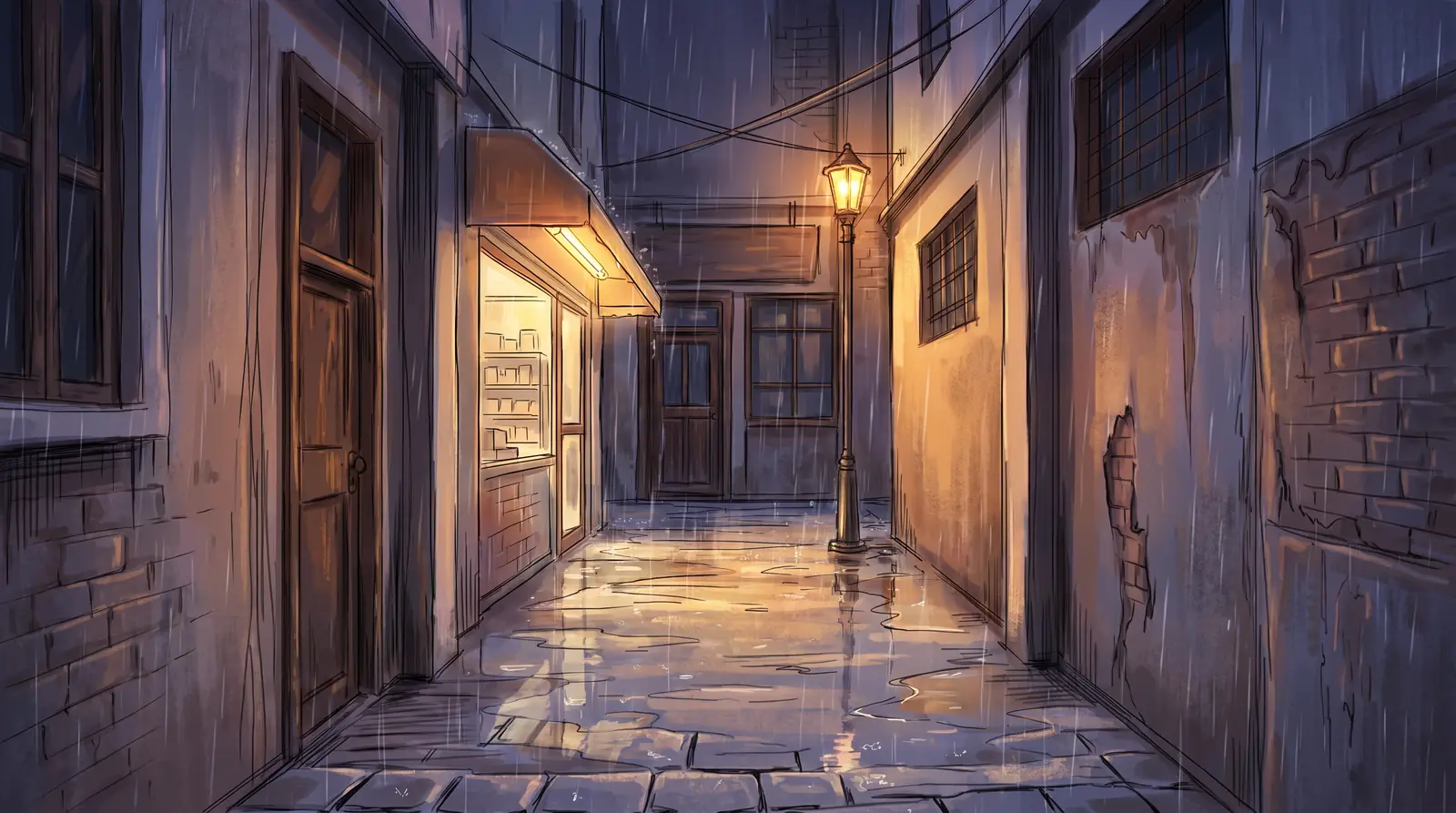
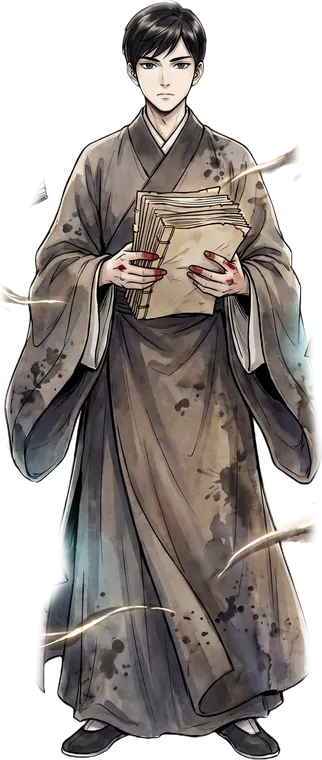
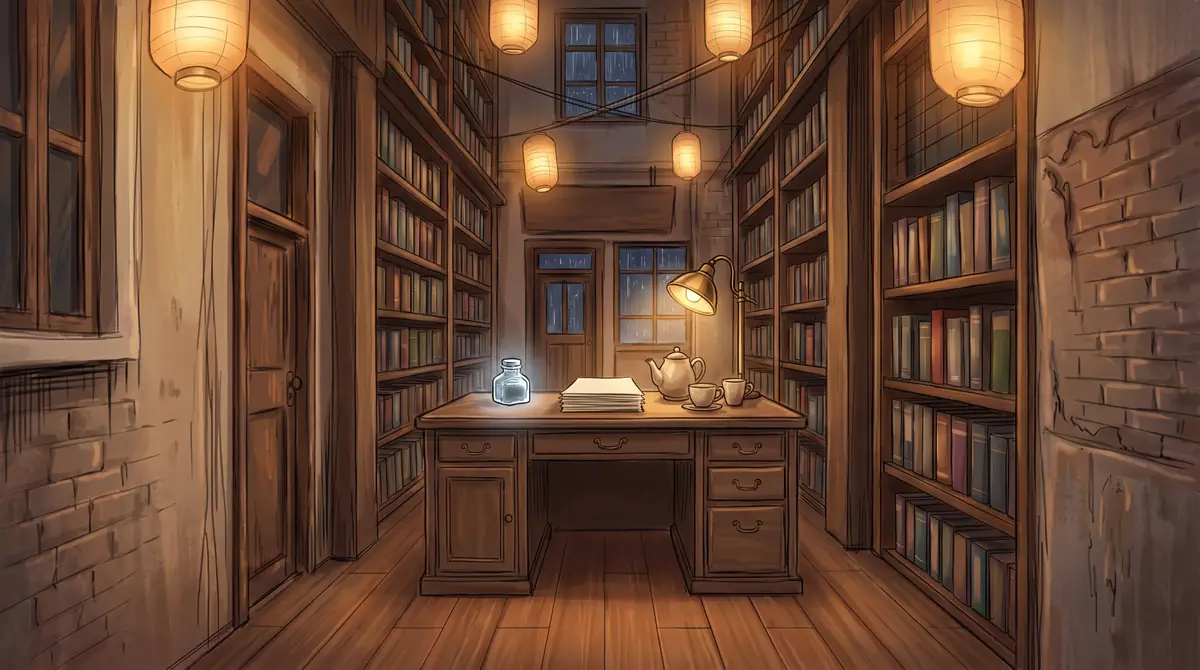
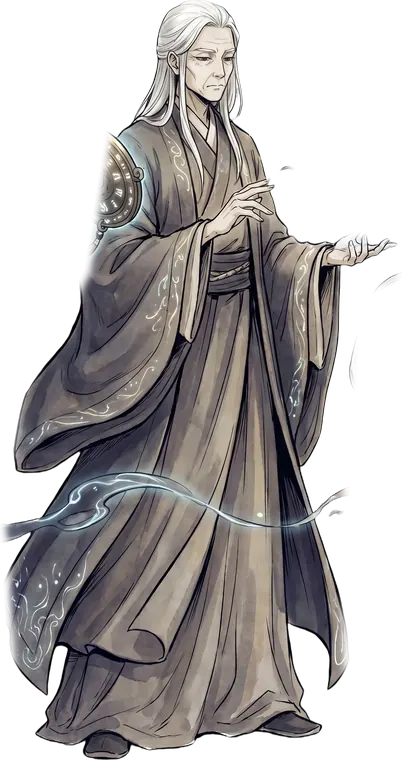
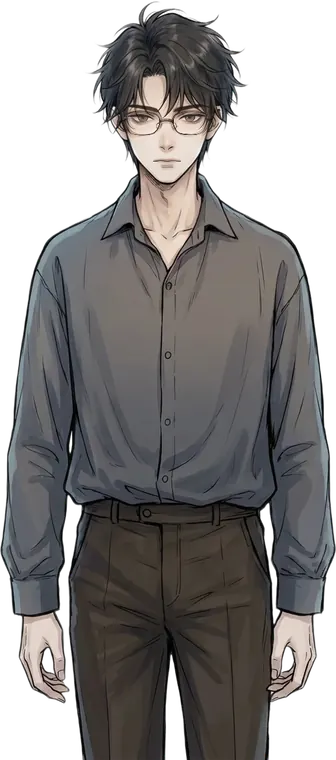
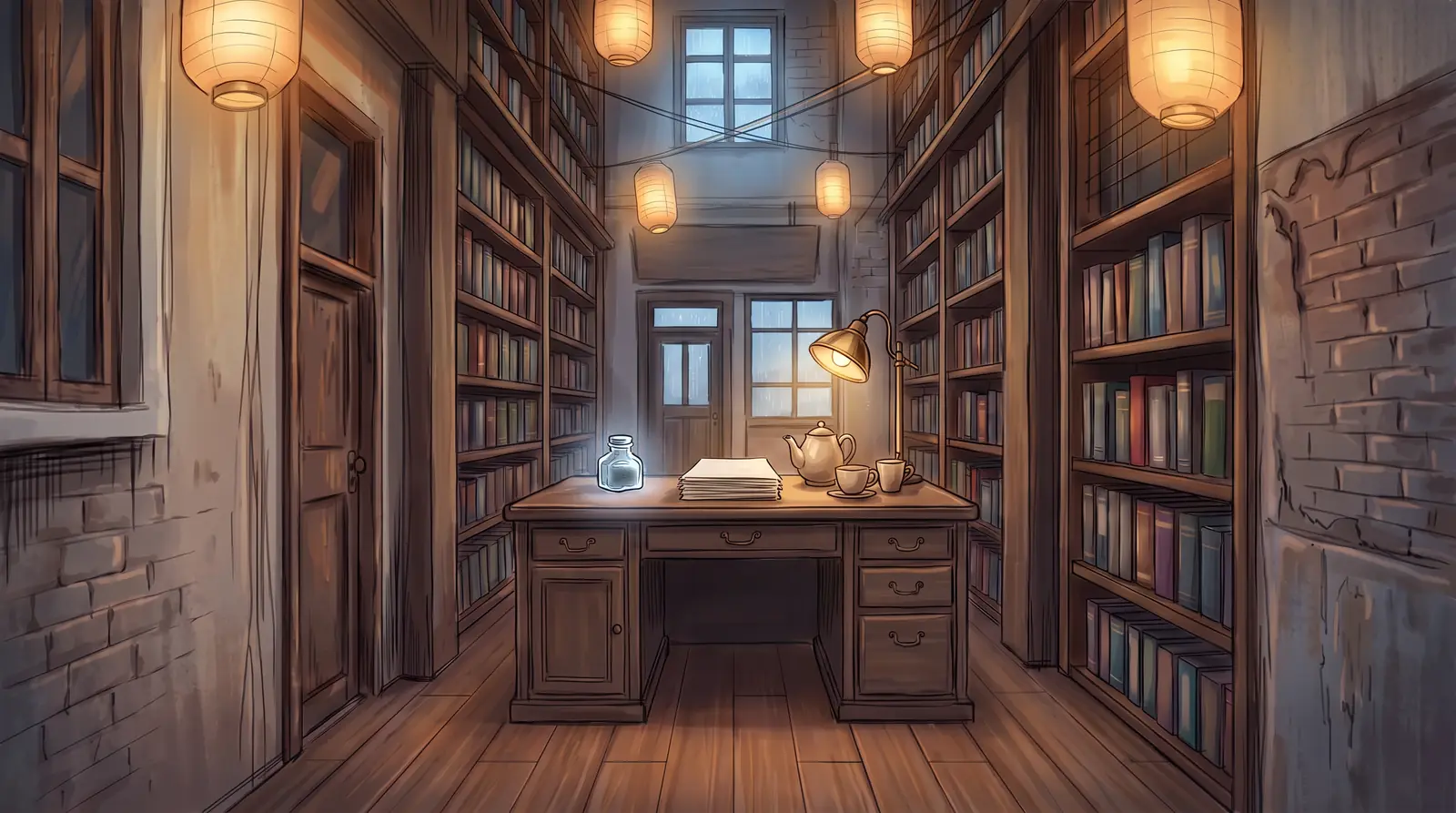
Mo Ling and Su Yan, six expressions each, plus alley, study and bedroom backgrounds. The characters and places you build in LitMemo work the same way.
Sprites and backgrounds, ready
Six expressions each for Mo Ling and Su Yan, plus alley, study and bedroom backgrounds.
Use your own world
The characters and places you built become sprites and backgrounds.
Swap expressions with a tap
See every expression in the preview and pick the one you want.
Write the script,
and it becomes the game
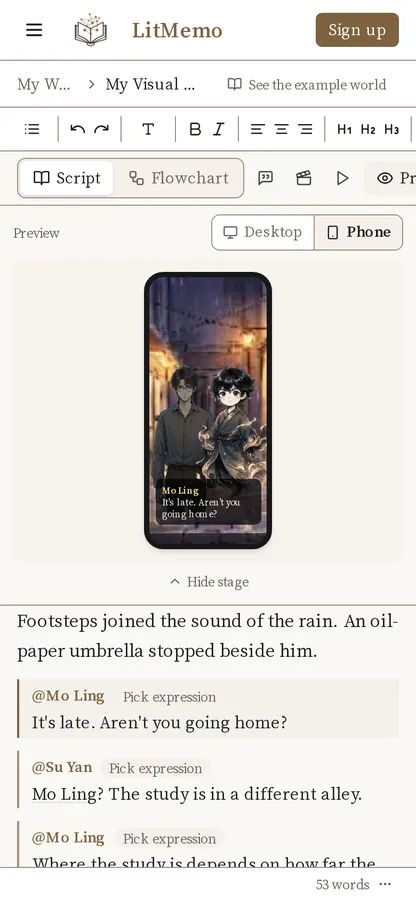
Not a single line of code. Every line you write becomes a live scene right beside your script.
Write the lines
Just write it like a script.
See the scene side by side
The preview shows whichever line your cursor is on.
Type @ to call a character
Tag a character, pick an expression, and write the line.

One choice,
and the story branches
Add a choice and link it to the next scene. The flowchart shows your whole story at a glance.
Add a choice
One more line at the end of the scene.
See it all as a flowchart
Scenes and choices map themselves into a flowchart.
Choose and play on the spot
Hit playtest and choose a path right from here.
Affection decides the route,
with as many endings as you want
Every choice shifts trust and flags, and changes which choices and endings come next. Name an ending and readers can collect it.
Stats and flags
Set a choice to add Trust +1 when picked.
Conditional choices
A choice that only appears once Trust is high enough.
Named endings readers collect
"Message Sent", "The First Line"… the ending screen shows which ones a reader has found.
One link,
and people can play
Once it's published, just send the link to your book's page. Readers play right in the browser and can follow the book for the next chapter.
Publish your book
Publish and update chapter by chapter.
Share a link
No download. Open it and play.
Follows and comments
Readers follow the book and comment on each chapter.
Write on your phone,
play on your phone
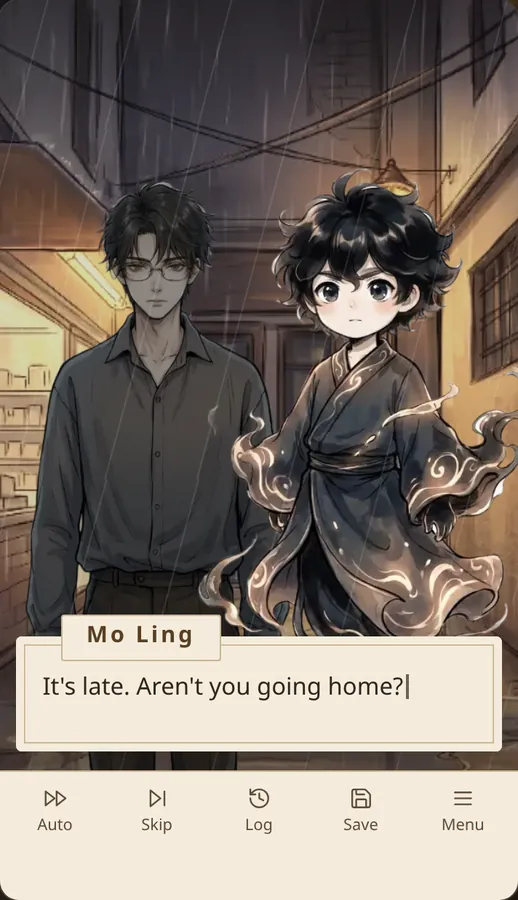
The same editor, so a scene fits in your commute. Hold the phone upright and the whole screen is the stage.
Want to go further?
There's more
Everything you built before signing up comes with you, ready to expand.
- Voice
Add character voice acting to every line. Uses Inspiration Credits by the second.
- Music and styling
Add music to any scene and style the player to match your book.
- Your own sprites and backgrounds
Upload your own character sprites and backgrounds.
- AI sprites
From an outfit's expression sheet, AI draws a cut-out sprite for each expression. Uses Inspiration Credits; available once you're signed in.
How to make a visual novel
No sign-up, start right now. Four steps to your first game.
1. Set a scene
Pick a background for the opening shot.2. Type @ to make a character speak
Tag a character, choose an expression, and write the line.3. Add a choice
Create a branch that leads to the next scene.4. Playtest
Play it on the spot, then sign up free to save it to your account.
Questions
Is it free?
You can make and play a visual novel for free without signing up, with choices, stats and flags included. Sign up free to save your work to your account.
Do I need to know how to code?
No. Write lines the way you would write a script, add choices, and it plays as a game.
Can I make one on my phone?
Yes. You can write and play in your phone's browser.
Can other people play my visual novel?
Publish it on LitMemo and send the link. Readers play it right in their browser.
Can I use my own art?
After you sign up, you can upload your own character sprites and backgrounds.
Turn your story into something people can play.
No sign-up. Start right now.