
OC Template: Blank Copy-and-Paste OC Sheet for Google Docs
Here's a blank OC template you can copy and paste straight into Google Docs, a Toyhouse profile, a Tumblr post, or a Discord channel. Delete any field you don't need, and add whatever your world calls for. There's a full version for a character you know well and a short version for one you made this morning.
Blank OC template (copy and paste)
OC TEMPLATE

— Basics —
Name:
Nickname(s):
Age:
Birthday:
Gender / pronouns:
Species / race:
Height:
Occupation / role:
Home / where they live now:

— Appearance —
Hair:
Eyes:
Skin:
Build:
Distinguishing marks (scars, tattoos, freckles):
Usual outfit:
Signature item:

— Personality —
Three words that describe them:
The exception to those three words:
Likes:
Dislikes:
Habits / tics:
Fears:
What they want most:
What they'd never admit:

— Abilities —
Skills / powers:
Weaknesses / limits:

— Backstory —
Family:
Where they grew up:
The one event that made them who they are:
Secret:

— Relationships —
Closest to:
Rival / enemy:
Crush / partner:

— Extras —
How they talk (catchphrase, accent, favorite word):
Theme song:
Fun facts:
Art credit:
Created by:
Short OC template (for a brand-new character)
Name:
Age / pronouns:
Species / role:
Look in one line:
Personality in three words:
What they want:
What's stopping them:
One fun fact:
A name, three personality words, and a want are enough to start roleplaying or writing. Fill in the rest of the full template as the character grows.
How to fill out an OC template
- Personality: three words plus an exception. "Cheerful, loyal, reckless — except around fire, where she freezes" tells people far more than a list of ten adjectives.
- Want and fear go together. What the character wants most and what they're most afraid of are the two fields that make stories happen. If they pull in opposite directions, even better.
- Distinguishing marks are for artists. If other people will draw your OC, this field and Usual outfit are the ones they'll check first. Be specific: which side the scar is on, what color the jacket is.
- Blank is fine. A field you haven't decided yet is better left empty than filled with something you'll change next week.
If you're writing a novel rather than sharing an OC, the character sheet template has a longer 24-field version built around story arcs, with an example for every field.
Turn your OC template into a card image
A filled-in template is text. To post your OC as an image, most people download a blank PNG sheet someone drew, open it in ibisPaint or Photoshop, stack a text layer over every box, hunt for a font that stays readable at that size — and then do it all again for the next character.
LitMemo's character cards skip that step: they read the bio you already wrote and lay it out as an image for you.
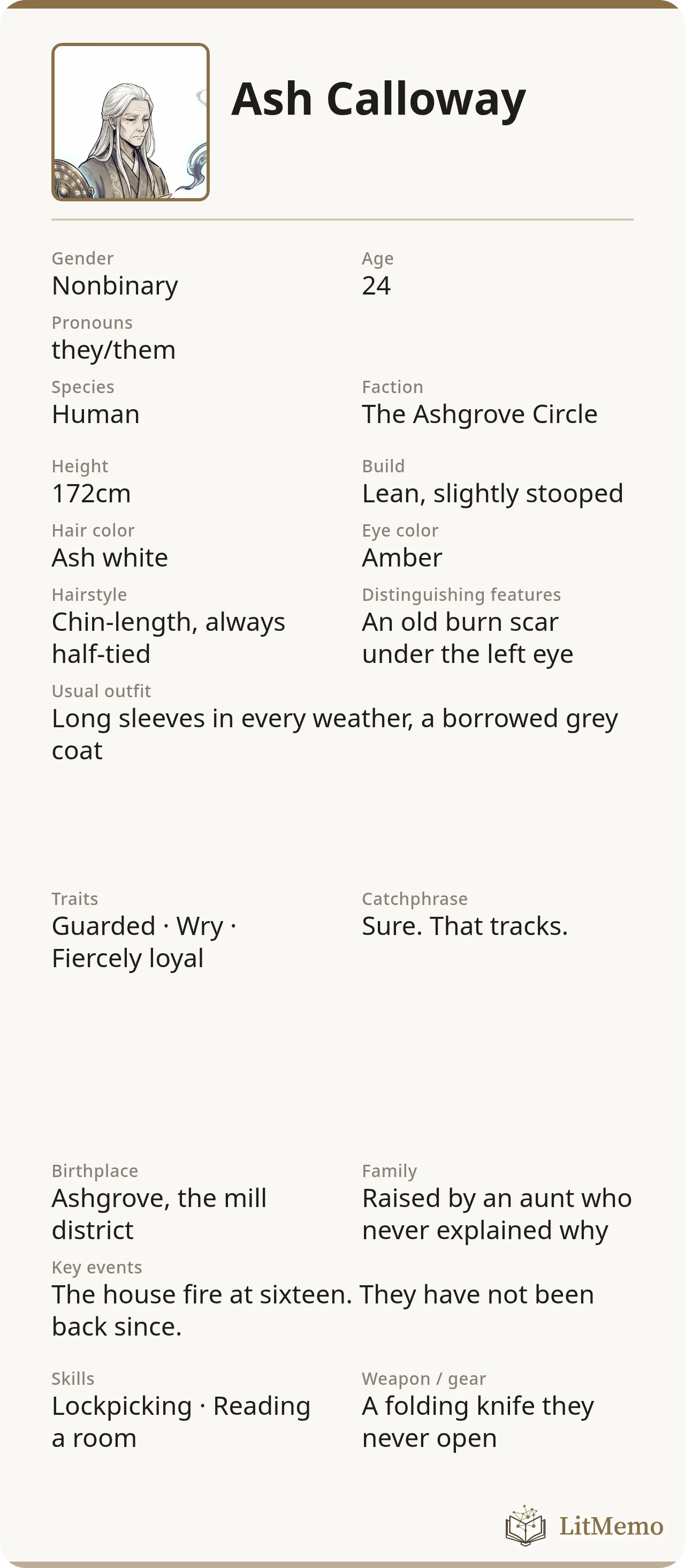
Your bio, already laid out
Name, age, hair, distinguishing marks, personality, the thing that happened when they were sixteen — you wrote all that when you made the character. The card pulls from the same place, so nothing gets retyped. You pick which fields show, where they sit, how big, and what color. Then you download a PNG for a Toyhouse profile, a Tumblr post, a thread, or a Discord character channel.
When you dye their hair next month, you regenerate the card instead of reopening a layered file and matching the font you used in March.
Drag things where you want them
Every field is something you can grab. As one nears the card's midline, an edge, or another field, it snaps into line, so layouts end up straight without nudging. Tilt something if you want it tilted, and back out of a mess with undo.
Seven built-in layouts work as they are. Like one? Duplicate it and rearrange it into your own. Two of the seven are landscape, which survives an in-feed crop better than a tall card and gives a character with lots of fields two columns instead of one long strip.
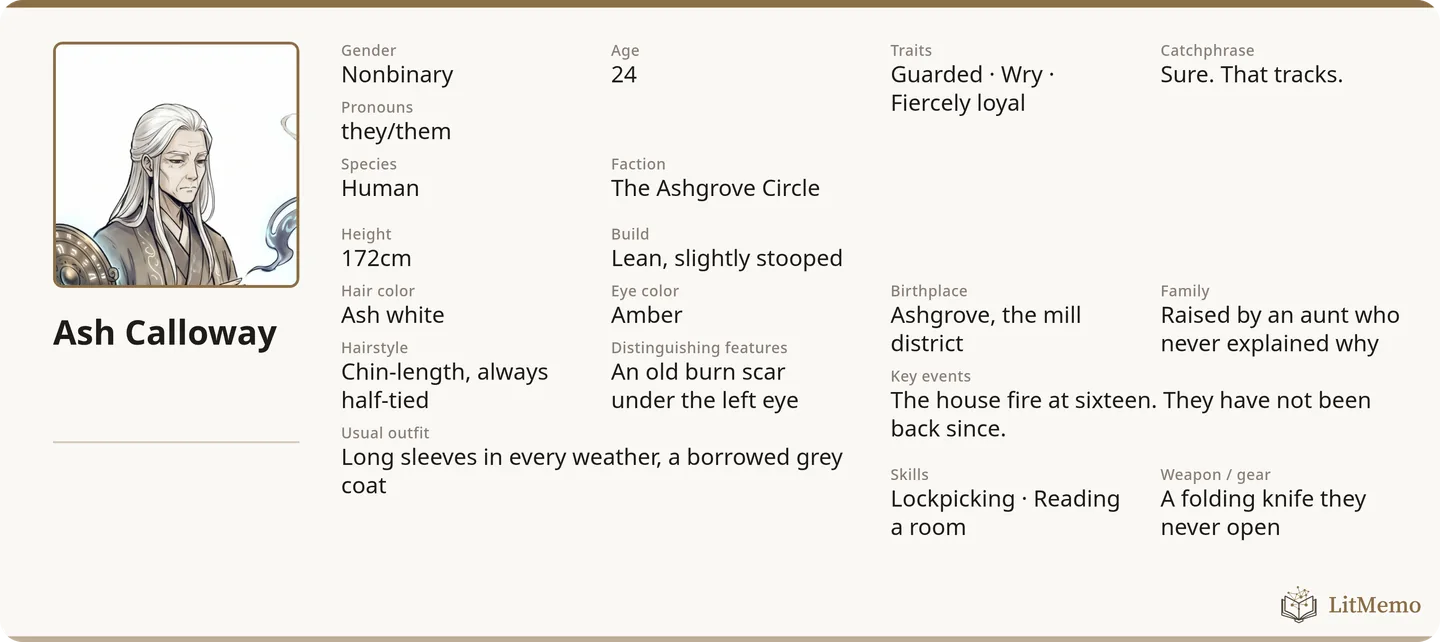
Half-empty characters still look finished
This is where most custom layouts fall apart: the layout assumes every field is filled, so a character with four of them turns into a form full of gaps.
These don't. An empty field isn't printed, and the rest of its section closes up; an empty section takes its heading with it. A character you invented this morning, with a name, a personality, and nothing else, comes out as a short, clean card. One layout serves the character you've had for three years and the one from twenty minutes ago.
For people who don't draw
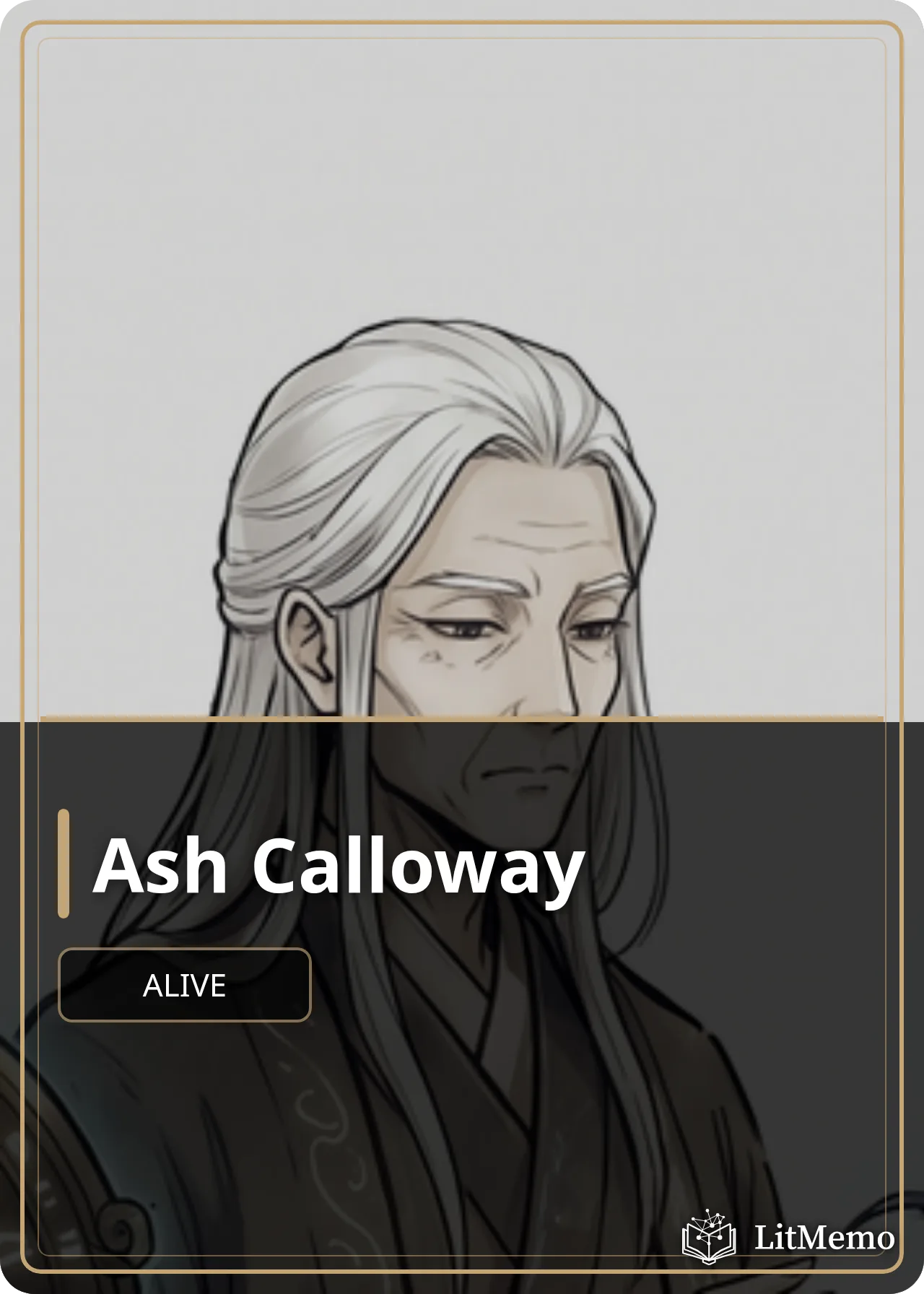
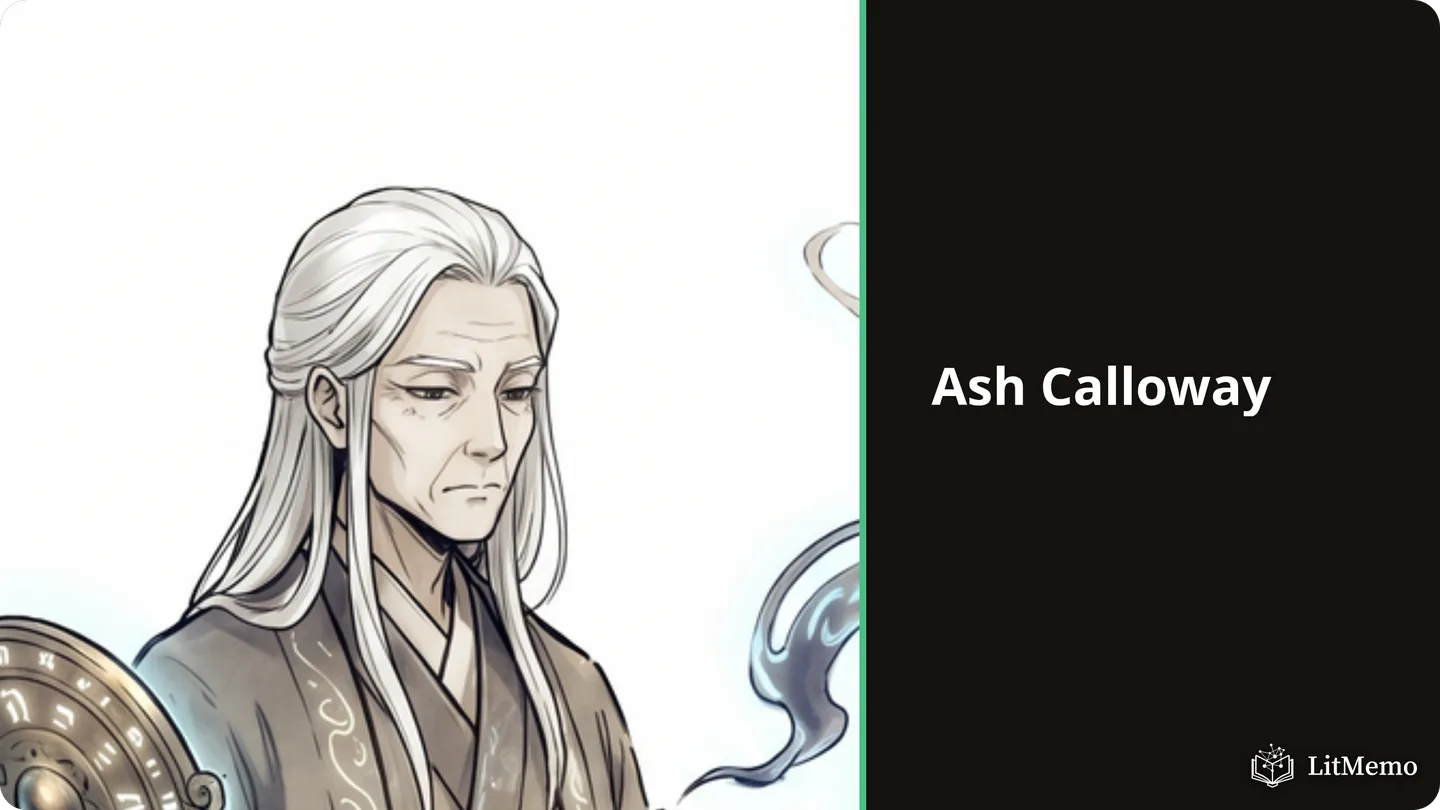
A card with no artwork is a typographic card: your character's own color, their name set large, and the words you chose to put on it. A big pull quote of their worst line. A list of tags. The three sentences that explain them.
Plenty of characters are better served by a good block of type than by a drawing their author can't make. That's a design choice in its own right.
Vertical text, if your setting wants it
Set a text layer to run vertically and it reads top to bottom, lines running right to left, the way Japanese and Chinese books are set. If your OC lives somewhere that calls for it, it's a dropdown.
Making your first card
Sign in to LitMemo and all seven layouts are ready for every character in your cast:
- Make a character and paste in whatever you already have from the template above. A few fields is plenty.
- Hit Card and pick a built-in layout to see how your character lands in it.
- Duplicate this template to make it yours, then move things around.
- Download image.
Layouts save to the world your characters live in, so every character can share the one you got right, and you can still give a single character something different.