NovelWrite with your world
right beside you.
Start writing now — no sign-up needed.
- Free
- No credit card
- No sign-up to start
Halfway through a scene,
the character card is right there
No more digging through a separate notes file. Type @ to call up a character, tap a name, and the card opens beside your manuscript.
Type @ to call up a character
Type @ and a name: characters and places show up as suggestions, and picking one inserts it into the text.
Tap a name to see the card
Tap any name in the text to see their appearance, catchphrase, and the chapters they appear in, right beside your manuscript.
Everyone in this chapter, in one place
The characters and places mentioned in this chapter are gathered automatically in the Entities tab beside your manuscript.
The clues you plant
stay in sight all the way to the last chapter
The longer you write, the easier it is to lose track of early chapters. Your foreshadowing sits on a timeline, and Momo reads along to point out anything that no longer adds up.
Note your foreshadowing
Mark it as you write — note where it's planted and where you plan to pay it off.
See it on the timeline
See what was planted where, what's been paid off, and what's still open — all on one timeline.
Momo checks your world
Momo reads your chapters and shows you anything that contradicts what came before, along with the original passage. Whether to change it is your call.
A long novel stays in order,
ready to share when it's done
Drag chapters into order, and your word count updates as you write. When you're done, export to EPUB, PDF, or Word.
Drag chapters into order
Split the book into volumes and chapters, drag to reorder, and mark each chapter as a draft or done.
Word count as you write
The word count for this chapter and the whole book is always at the bottom.
Export to EPUB, PDF, or Word
Prepare your book for e-readers, print, or another round of edits in Word.
The same world,
as a comic or a visual novel
The characters and places you've written carry straight over into comics and visual novels. A scene you wrote as prose can become a storyboard, or a game where readers choose their own path.
- NovelTake your time in proseYour notes sit right beside the manuscript.
- ComicPanels and dialogueEach character looks the same from panel to panel.Make it a comic
- Visual novelA story where readers make the choicesSprites and backgrounds are ready to go.Make it a visual novel

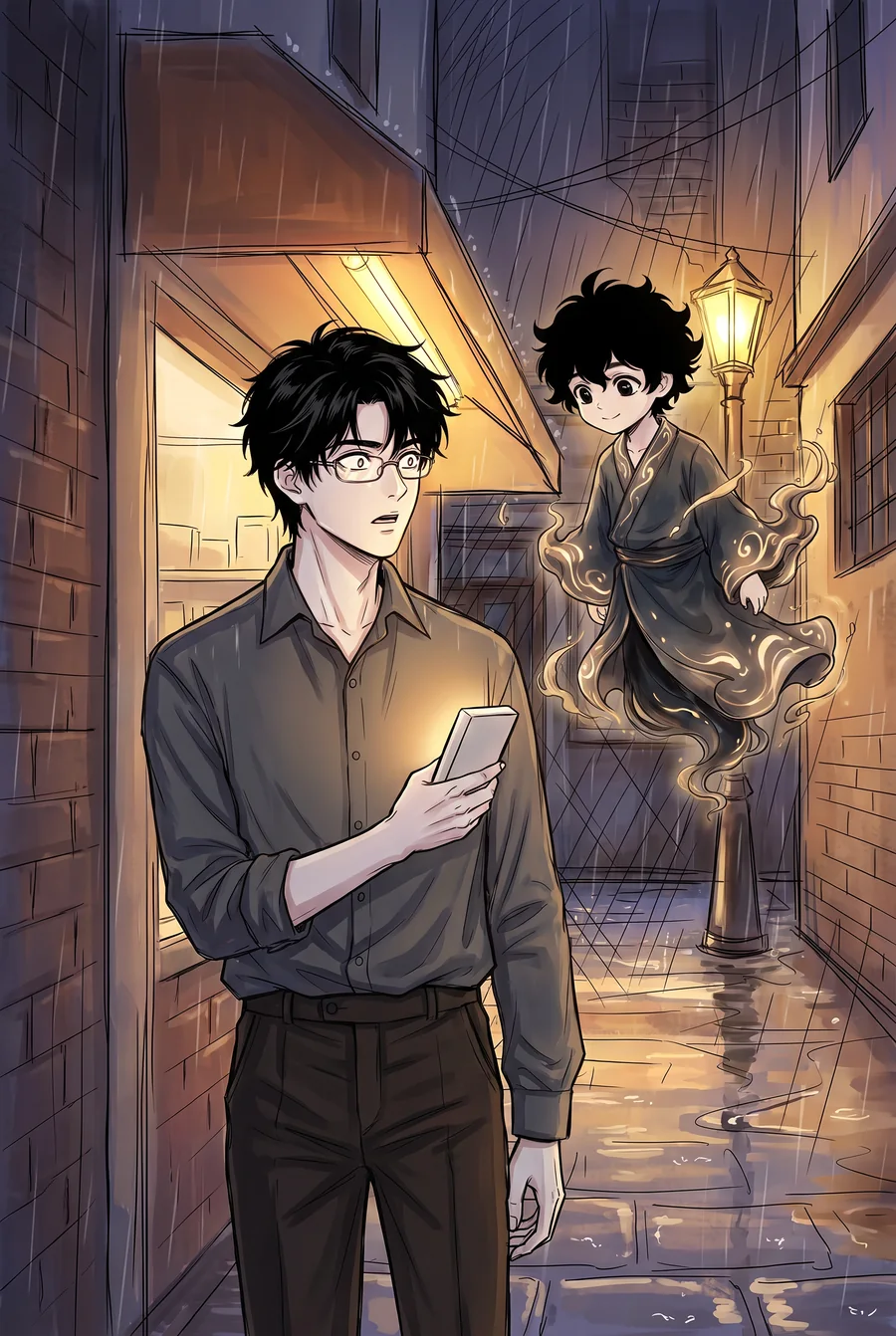
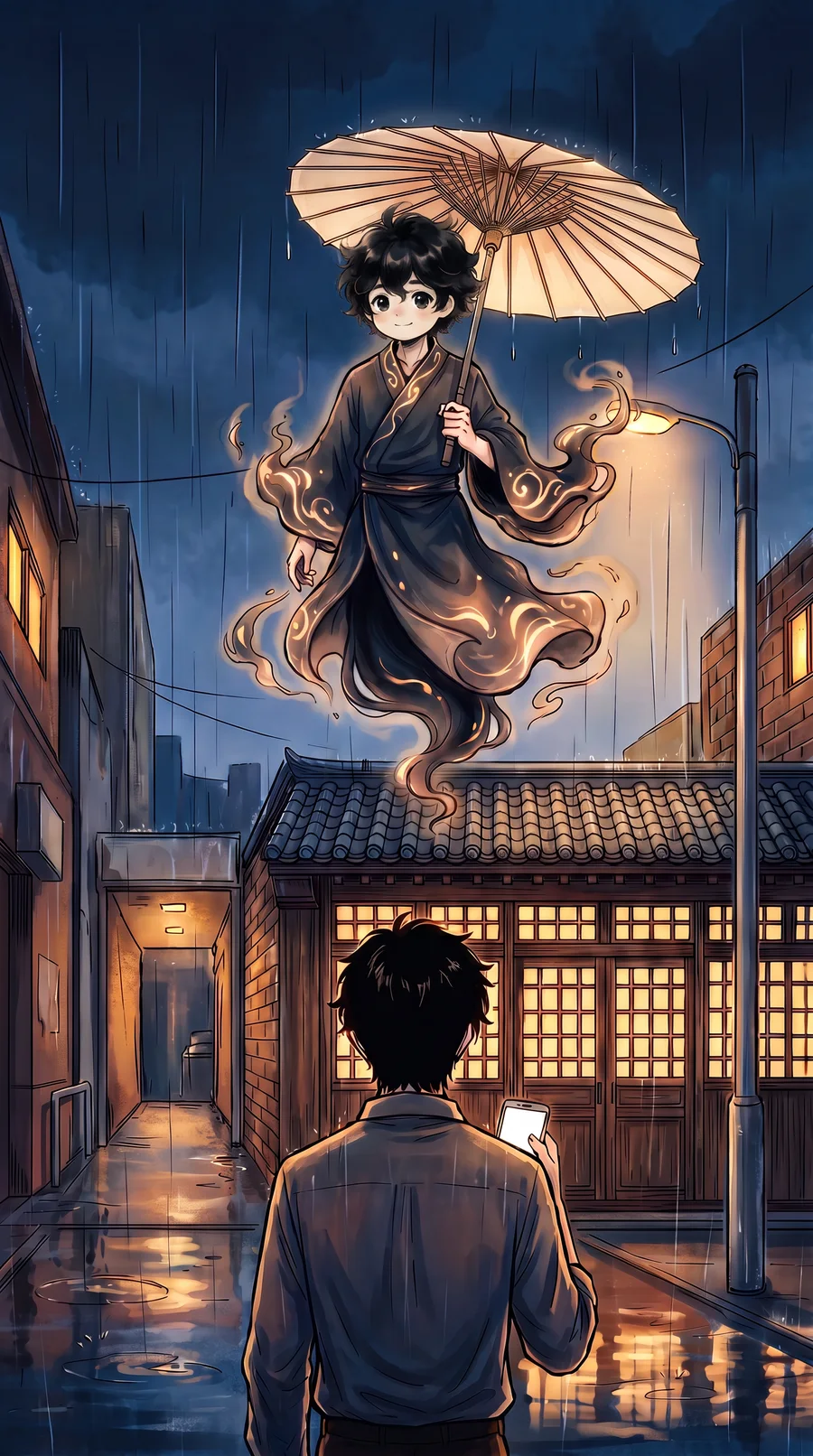

Same world, same character: Mo Ling
A finished story,
serialized for readers or yours to take anywhere
Publish to the LitMemo library, where readers follow along and comment on each chapter. Or export to EPUB, PDF, or Word.
01 Serialize in the library
Publish chapter by chapter, and followers are notified of each new chapter.
02 Export to EPUB, PDF, or Word
Your formatting carries over, ready for e-readers, print, or another round of edits.
How to write a novel with LitMemo: from the first paragraph to the finished book
LitMemo is novel writing software you can start using right away, with nothing to install. Here's how it works in four steps.
1. Write a paragraph
No sign-up needed to start.2. Build your cast
Type @ to create a character card and call it up anytime.3. Track your foreshadowing
See where it's planted and where it pays off, all on one timeline.4. Serialize or export
Publish to the library, or export to EPUB, PDF, or Word.
FAQ
Is it free?
Writing and organizing chapters is free. You can try it without signing up (up to 699 words per chapter); sign up for free to save your work with no word limit. Your first export is free in every format (EPUB, PDF, Word); after that, exporting is included in paid plans.
Which formats can I export to?
After you sign up, you can export your book as EPUB, PDF, or Word (.docx). Your first export is free in any of them; after that, exporting is included in paid plans.
Can I organize a long novel into chapters and volumes?
Yes. Split your book into volumes and chapters, drag them into order, and mark each chapter as a draft or done. The word count for the chapter and the whole book updates as you write.
Can I import from Word or another site?
After you sign up, you can import multiple .docx, .txt, or .md files at once, and they'll be split into chapters automatically. For a manuscript on another site, copy and paste it, or save it as .txt and import that.
Will AI write for me?
You write. AI keeps track of your world and catches contradictions. After you sign up, Momo reads your chapters and points out anything that conflicts with your notes, along with the original passage. When you're stuck, you can also press Continue to have AI draft a passage; whether you use it, and how much you keep, is up to you.
Can I write on my phone?
Yes. Write directly in your phone's web browser; there's no app to install.
Your story starts with the first paragraph.
Free · No credit card · No sign-up to start writing